¶ Endless Sky Add-On Guide
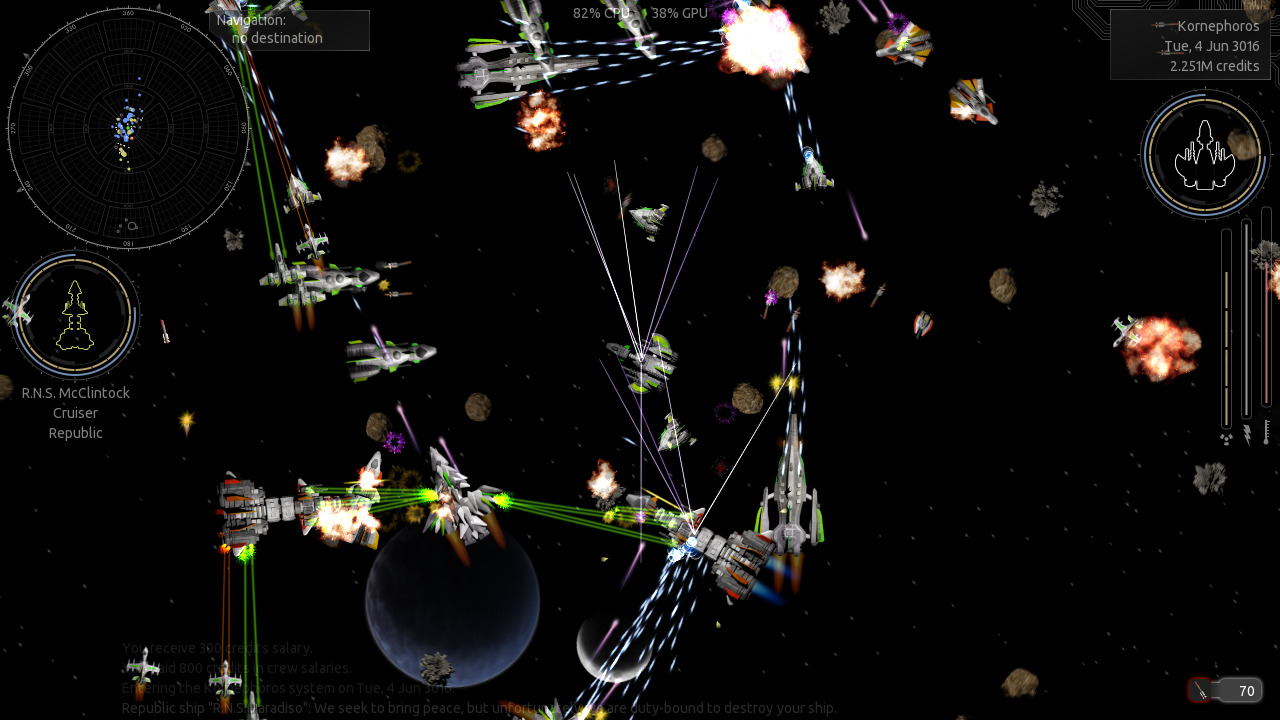
Endless Sky is an open-world space exploration, trading, and combat game inspired by Escape Velocity. Players can explore a vast galaxy, complete missions, trade goods, and engage in space combat while upgrading their fleet.
¶ 📥 Installation
Endless Sky can be installed via Batocera Unofficial Add-Ons (BUA). To install:
- Open Batocera Unofficial Add-Ons from the Ports menu.
- Browse the available add-ons and locate Endless Sky.
- Select Install and wait for the installation to complete.
- Once installed, Endless Sky will be available in your game list.
¶ 🎮 How to Play
- After installation, navigate to the Ports section.
- Locate Endless Sky in the game list and launch it.
- Start a new game and customize your ship.
- Explore the galaxy, trade resources, and engage in space battles.
¶ ⚙️ Configuration
- Controls: Supports keyboard/mouse and gamepad configurations.
- Graphics Settings: Adjust resolution, effects, and UI scaling.
- Game Settings: Modify difficulty, auto-save options, and ship control schemes.
- Mod Support: Install custom plugins and expansions for additional content.
¶ 🛠️ Troubleshooting
| Issue | Solution |
|---|---|
| Game not launching | Re-run the installer. If issues still exist, check out the troubleshooting guide. |
| Performance issues | Lower graphics settings or disable extra visual effects. |
| Controls not responding | Verify input settings and reconfigure if needed. |
| Unable to load saved game | Ensure save files are intact and stored in the correct directory. |