¶ Firefox Add-On Guide
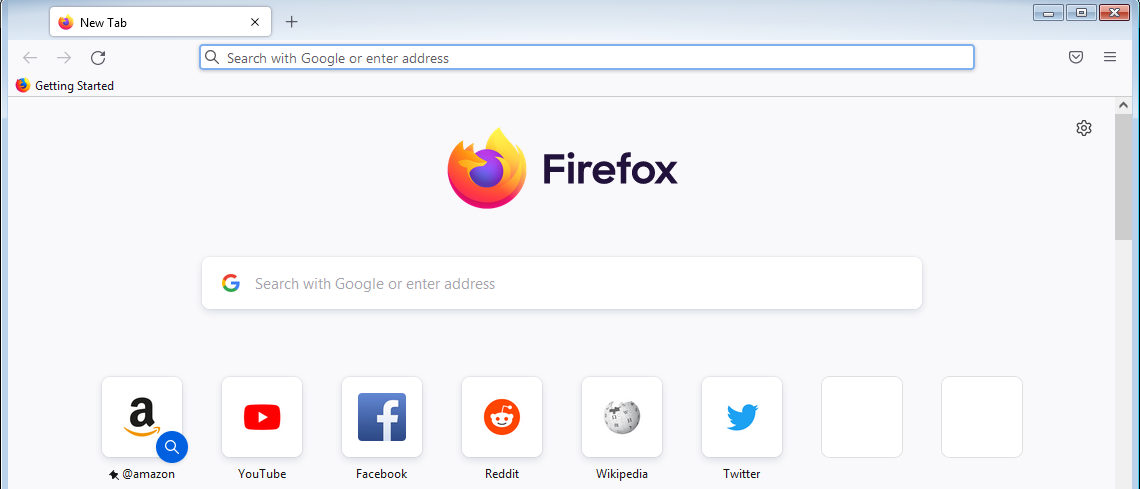
Firefox is a free and open-source web browser known for its privacy-focused features, security, and customizability. This add-on allows users to browse the internet directly from Batocera.
¶ 📥 Installation
Firefox can be installed via Batocera Unofficial Add-Ons (BUA). To install:
- Open Batocera Unofficial Add-Ons from the Ports menu.
- Browse the available add-ons and locate Firefox.
- Select Install and wait for the installation to complete.
- Once installed, Firefox will be available in Ports.
¶ 🌐 How to Use
- Navigate to Ports in Batocera.
- Locate Firefox and launch it.
- Browse the web, stream videos, or use web-based applications.
- Customize settings and install add-ons as needed.
¶ ⚙️ Configuration
- Privacy & Security: Enable tracking protection and customize site permissions.
- Syncing: Log in to sync bookmarks, passwords, and settings across devices.
- Extensions: Install add-ons from the Firefox Add-ons Store.
- Performance Settings: Adjust memory usage, hardware acceleration, and content blocking.
¶ 🛠️ Troubleshooting
| Issue | Solution |
|---|---|
| Firefox not launching | Re-run the installer, check the troubleshooting guide if the issue persists. |
| Slow performance | Disable unnecessary add-ons and clear cache. |
| Video playback issues | Enable hardware acceleration in settings. |
| Web pages not loading properly | Refresh Firefox or reset browser settings. |