¶ FreeTube Add-On Guide
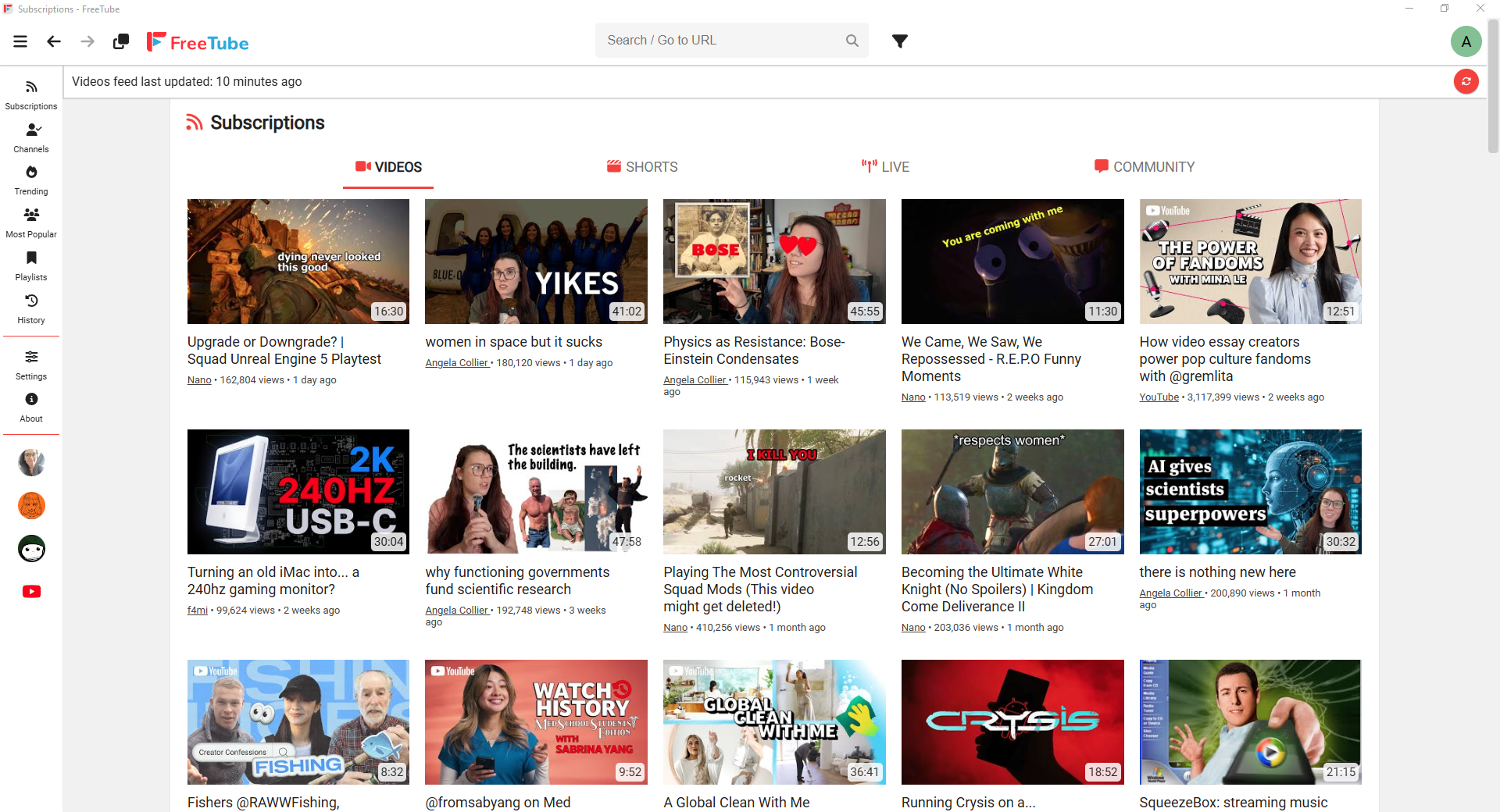
FreeTube is a privacy-focused YouTube client that allows users to watch videos without ads or tracking. It provides a secure, lightweight, and open-source alternative to the standard YouTube website and app.
¶ 📥 Installation
FreeTube can be installed via Batocera Unofficial Add-Ons (BUA). To install:
- Open Batocera Unofficial Add-Ons from the Ports menu.
- Browse the available add-ons and locate FreeTube.
- Select Install and wait for the installation to complete.
- Once installed, FreeTube will be available in Ports.
¶ 🎮 How to Use
- Navigate to Ports in Batocera.
- Locate FreeTube and launch it.
- Search for and play YouTube videos without ads.
- Customize settings for an enhanced viewing experience.
¶ ⚙️ Configuration
- Privacy Settings: Watch videos without Google tracking.
- Ad-Free Experience: Blocks YouTube ads and tracking scripts.
- Subscriptions: Manage channels without a Google account.
- Playback Settings: Adjust resolution, playback speed, and video caching.
¶ 🛠️ Troubleshooting
| Issue | Solution |
|---|---|
| FreeTube not launching | Re-run the installer, check the troubleshooting guide if the issue persists. |
| Videos not loading | Ensure internet connection is stable and check API settings. |
| Playback issues | Adjust resolution and enable hardware acceleration. |
| Missing subscriptions | Verify that local subscription storage is enabled. |