¶ Heroic Add-On Guide
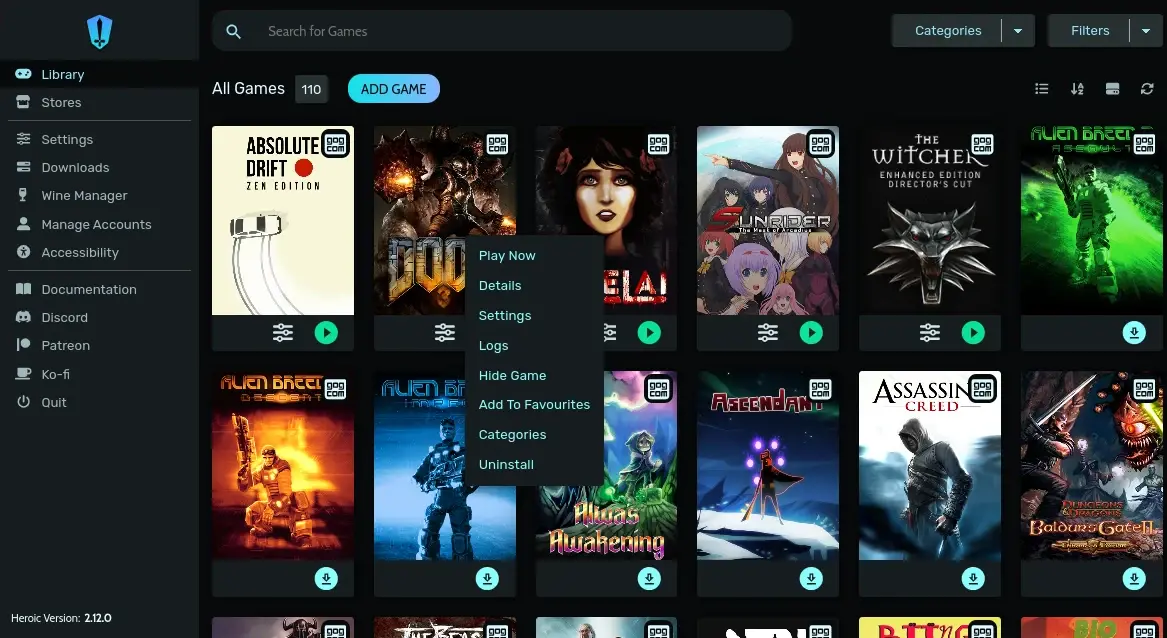
Heroic is an open-source game launcher for managing and playing games from Epic Games Store and GOG on Batocera. It provides a user-friendly interface and integrates with Wine and Proton for compatibility with non-native games.
¶ 📥 Installation
Heroic can be installed via Batocera Unofficial Add-Ons (BUA). To install:
- Open Batocera Unofficial Add-Ons from the Ports menu.
- Browse the available add-ons and locate Heroic.
- Select Install and wait for the installation to complete.
- Once installed, Heroic will be available in F1 Applications.
¶ 🎮 How to Use
- Navigate to F1 Applications in Batocera.
- Launch Heroic to log in and install your games.
- Once installed, your games will appear in the Heroic menu in EmulationStation (ES).
- To launch games from ES, set up the Wine runner in Heroic:
- Open Heroic → Go to Settings → Configure Wine as the game runner.
- Ensure Proton/Wine is installed and correctly configured.
¶ ⚙️ Configuration
- Game Management: Install and uninstall games from Epic Games Store and GOG.
- Wine & Proton Settings: Choose the right compatibility layer for Windows-based games.
- Performance Tweaks: Configure launch options and optimize game settings.
- Custom Libraries: Add external games manually.
¶ 🛠️ Troubleshooting
| Issue | Solution |
|---|---|
| Heroic not launching | Re-run the installer and check for missing dependencies. |
| Games not appearing in ES | Update game list and verify installation paths. |
| Game won't launch | Ensure Wine is configured properly and try a different runner. |
| Performance issues | Adjust settings in Heroic and enable Proton optimizations. |