¶ IPTVNator Add-On Guide
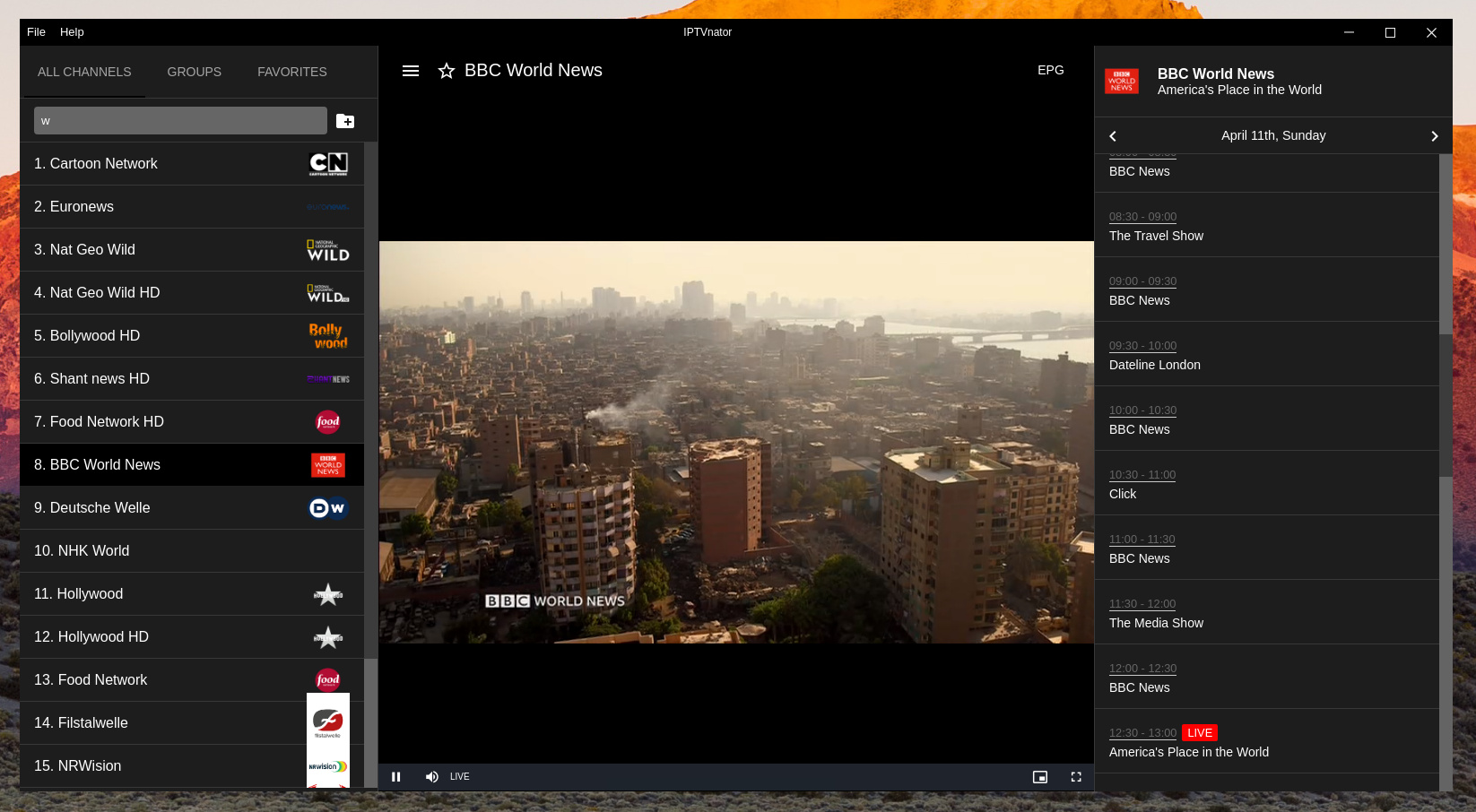
IPTVNator is a modern, open-source IPTV player that allows users to stream live TV channels via M3U playlists. It provides an intuitive interface with EPG (Electronic Program Guide) support and customizable viewing options.
¶ 📥 Installation
IPTVNator can be installed via Batocera Unofficial Add-Ons (BUA). To install:
- Open Batocera Unofficial Add-Ons from the Ports menu.
- Browse the available add-ons and locate IPTVNator.
- Select Install and wait for the installation to complete.
- Once installed, IPTVNator will be available in Ports.
¶ 📺 How to Use
- Navigate to Ports in Batocera.
- Locate IPTVNator and launch it.
- Add an M3U playlist URL or upload a local M3U file.
- Browse the available channels and select one to start streaming.
¶ ⚙️ Configuration
- Playlist Management: Add, remove, and edit M3U playlists.
- EPG Support: Load electronic program guides for better scheduling.
- Playback Settings: Adjust buffer size, streaming quality, and network settings.
- Favorites: Save preferred channels for quick access.
¶ 🛠️ Troubleshooting
| Issue | Solution |
|---|---|
| IPTVNator not launching | Re-run the installer, check the troubleshooting guide if the issue persists. |
| Channels not loading | Ensure the M3U playlist URL is correct and reachable. |
| Buffering issues | Check internet connection and adjust streaming buffer settings. |
| EPG not displaying | Verify that the correct EPG source is configured in settings. |