¶ Moonlight Add-On Guide
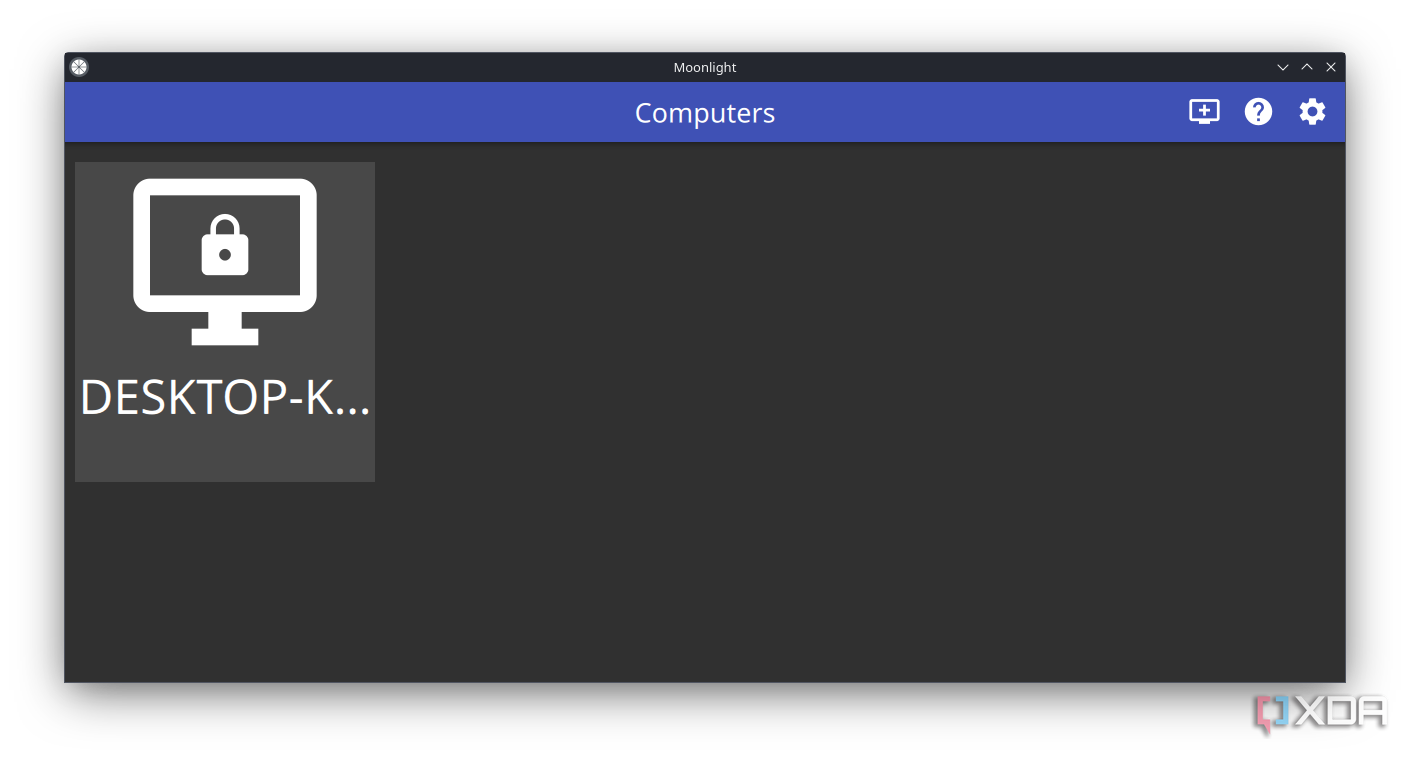
Moonlight is an open-source game streaming client that allows users to stream games from a PC running Sunshine. This add-on enables low-latency gameplay on Batocera.
¶ 📥 Installation
Moonlight can be installed via Batocera Unofficial Add-Ons (BUA). To install:
- Open Batocera Unofficial Add-Ons from the Ports menu.
- Browse the available add-ons and locate Moonlight.
- Select Install and wait for the installation to complete.
- Once installed, Moonlight will be available in Ports.
¶ 🎮 How to Use
- Navigate to Ports in Batocera.
- Locate Moonlight and launch it.
- Ensure your gaming PC is set up for game streaming. Sunshine is required to stream games from a PC to Moonlight.
- Pair Moonlight with your PC by entering the provided PIN.
- Select a game from your PC's library and start streaming.
¶ ⚙️ Configuration
- Streaming Quality: Adjust resolution, bitrate, and frame rate for optimal performance.
- Controller Support: Configure input settings to match your preferred controller.
- Network Optimization: Use a wired connection or 5GHz Wi-Fi for the best streaming experience.
- Game Library: Customize available games through your streaming setup.
¶ 🛠️ Troubleshooting
| Issue | Solution |
|---|---|
| Moonlight not launching | Re-run the installer, check the troubleshooting guide if the issue persists. |
| Connection issues | Ensure your PC and Batocera are on the same network. Ensure Sunshine is running on your PC and configured correctly. |
| Lag or stuttering | Reduce streaming resolution and bitrate. Use a wired connection for stability. |
| Controller not working | Configure input settings in Moonlight. |