¶ PortMaster Add-On Guide
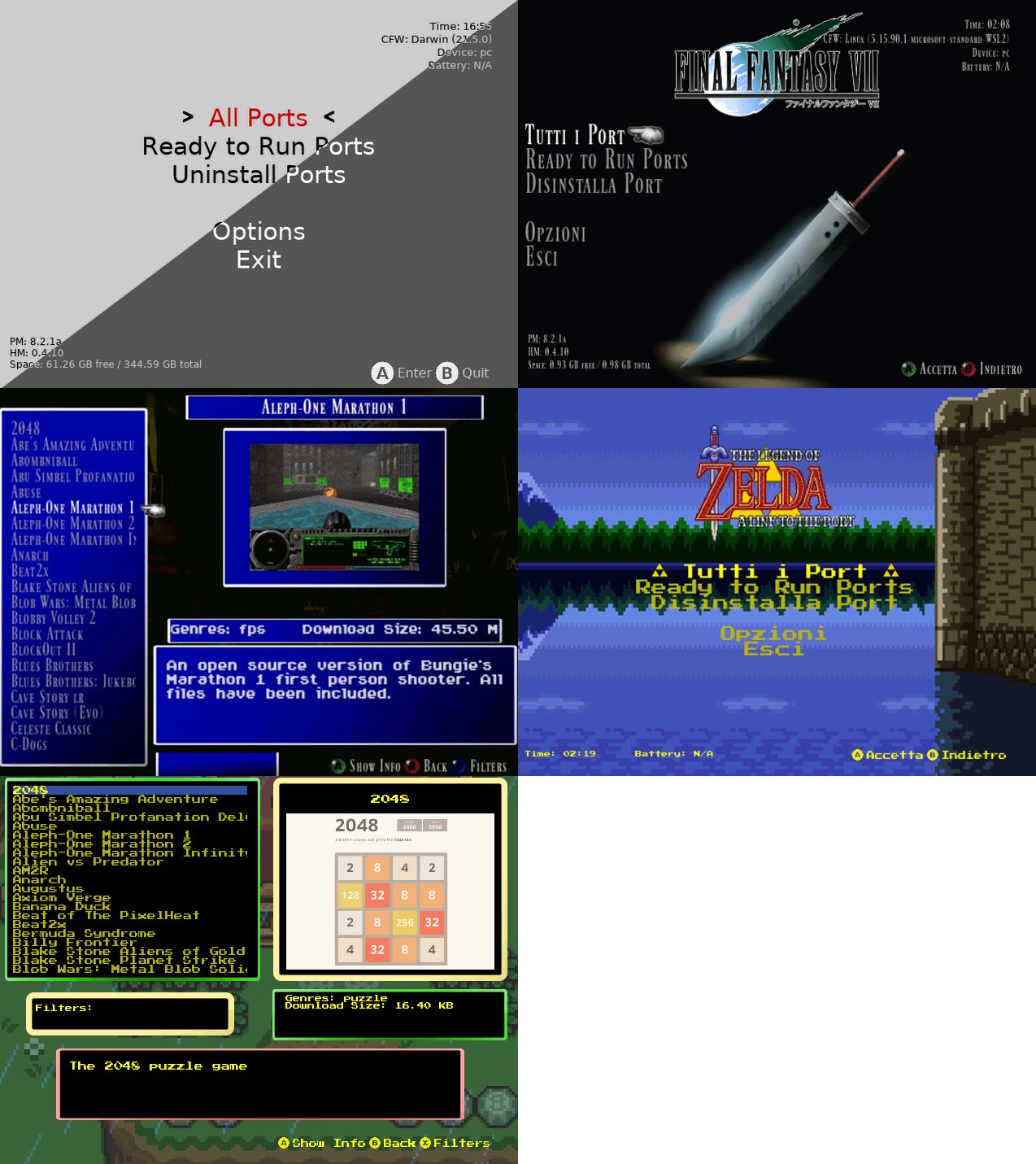
PortMaster is a tool for managing and installing various game ports on Batocera. It provides an easy-to-use interface to download, install, and configure supported game ports without manual setup.
¶ 📥 Installation
PortMaster can be installed via Batocera Unofficial Add-Ons (BUA). To install:
- Open Batocera Unofficial Add-Ons from the Ports menu.
- Browse the available add-ons and locate PortMaster.
- Select Install and wait for the installation to complete.
- Once installed, PortMaster will be available in your Ports menu.
¶ 🎮 How to Use
- After installation, navigate to Ports in Batocera.
- Locate PortMaster and launch it.
- Browse the list of available game ports.
- Select a game and install it directly through PortMaster.
- Once installed, the game will appear in the Ports section.
- Launch and configure the game as needed.
¶ ⚙️ Configuration
- Game Management: Easily install and uninstall game ports.
- Download Sources: Access supported repositories for additional ports.
- Game Settings: Adjust performance settings and input configurations.
- Updates: Keep installed ports up to date with the latest fixes.
¶ 🛠️ Troubleshooting
| Issue | Solution |
|---|---|
| PortMaster not launching | Re-run the installer, check the troubleshooting guide if issues persist. |
| Games not appearing | Refresh the game list in the Ports section. |
| Installation fails | Ensure you have sufficient storage and a stable internet connection. |
| Performance issues | Adjust game settings or update the game port via PortMaster. |