¶ SuperTuxKart Add-On Guide
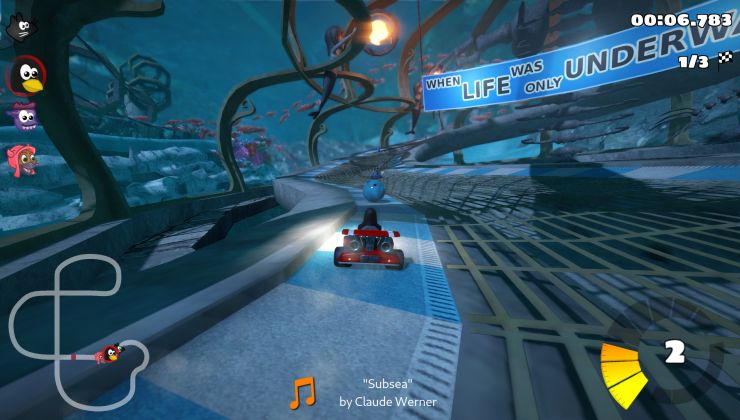
SuperTuxKart is an open-source kart racing game featuring characters from open-source projects. It offers multiple game modes, including single-player, multiplayer, time trials, and battle mode, with fun tracks and power-ups.
¶ 📥 Installation
SuperTuxKart can be installed via Batocera Unofficial Add-Ons (BUA). To install:
- Open Batocera Unofficial Add-Ons from the Ports menu.
- Browse the available add-ons and locate SuperTuxKart.
- Select Install and wait for the installation to complete.
- Once installed, SuperTuxKart will be available in your game list.
¶ 🎮 How to Play
- After installation, navigate to the Ports section.
- Locate SuperTuxKart in the game list and launch it.
- Select a game mode: Single Race, Grand Prix, Time Trial, or Multiplayer.
- Choose a character and race against AI or other players.
¶ ⚙️ Configuration
- Controls: Supports keyboard, gamepad, and steering wheel setups.
- Graphics Settings: Adjust resolution, texture quality, and rendering effects.
- Multiplayer: Play locally with split-screen or online with other players.
- Customization: Install additional tracks, karts, and mods from the community.
¶ 🛠️ Troubleshooting
| Issue | Solution |
|---|---|
| Game not launching | Re-run the installer. If issues persist, check the troubleshooting guide. |
| Low frame rate | Lower graphics settings or disable advanced visual effects. |
| Controller not recognized | Configure input settings in the game menu. |
| Multiplayer connection issues | Ensure network settings allow online play and ports are open. |