¶ Tidal HiFi Add-On Guide
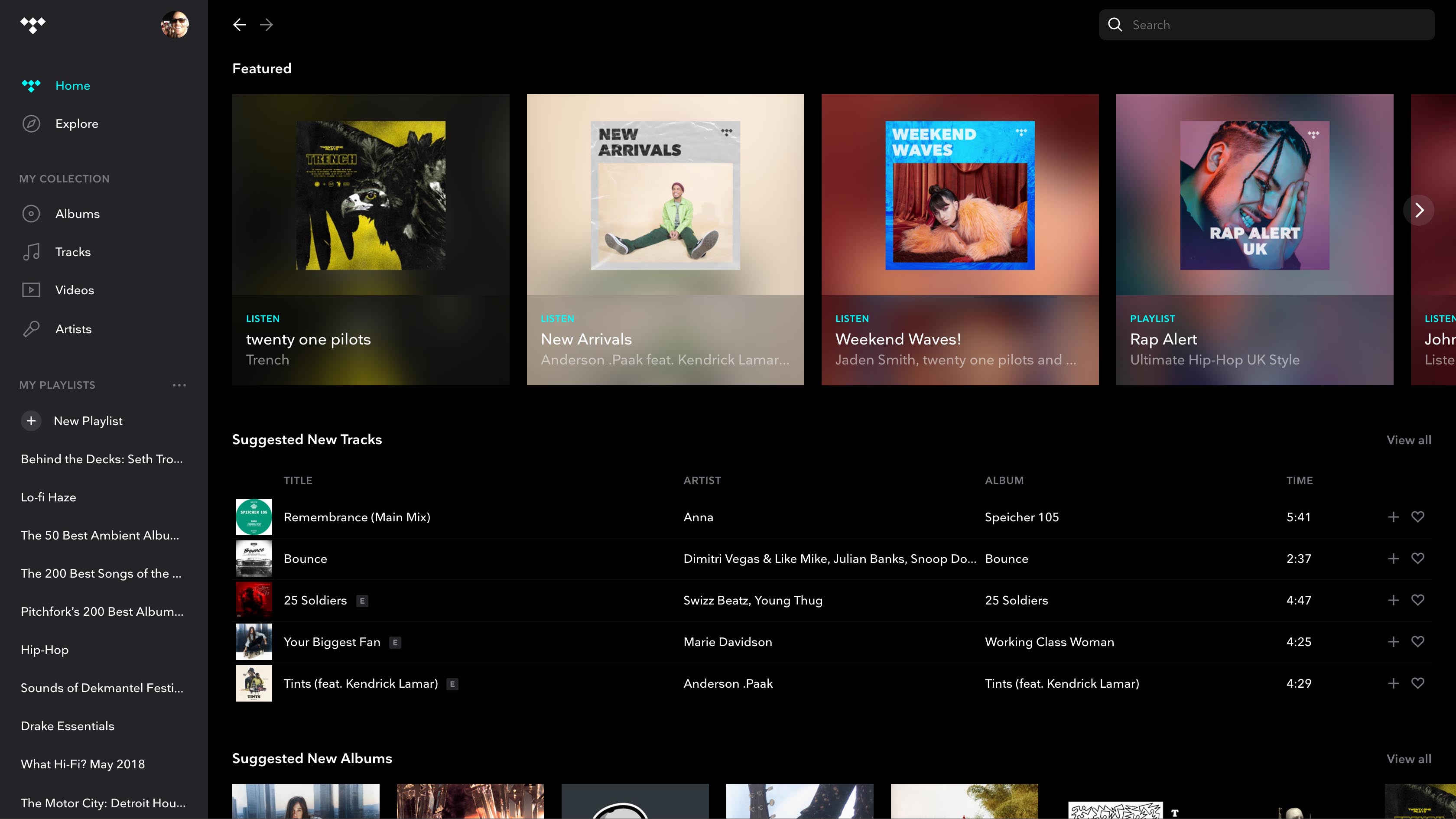
Tidal HiFi is a high-fidelity music streaming service that provides access to lossless audio, exclusive content, and curated playlists. This add-on allows users to stream music directly from Batocera.
¶ 📥 Installation
Tidal HiFi can be installed via Batocera Unofficial Add-Ons (BUA). To install:
- Open Batocera Unofficial Add-Ons from the Ports menu.
- Browse the available add-ons and locate Tidal.
- Select Install and wait for the installation to complete.
- Once installed, Tidal HiFi will be available in Ports.
¶ 🎵 How to Use
- Navigate to Ports in Batocera.
- Locate Tidal HiFi and launch it.
- Log in with your Tidal account.
- Browse and play music, albums, and curated playlists.
¶ ⚙️ Configuration
- Account Settings: Log in to sync playlists and recommendations.
- Audio Quality: Stream in HiFi or Master quality for the best sound.
- Offline Mode: Download tracks for offline listening (Tidal HiFi Plus required).
- Playback Controls: Customize equalizer settings and crossfade effects.
¶ 🛠️ Troubleshooting
| Issue | Solution |
|---|---|
| Tidal HiFi not launching | Re-run the installer, check the troubleshooting guide if the issue persists. |
| No sound | Check volume settings and audio output configuration. |
| Streaming issues | Ensure internet connection is stable and restart the application. |
| Login issues | Verify credentials and check for account restrictions. |