¶ Vesktop Add-On Guide
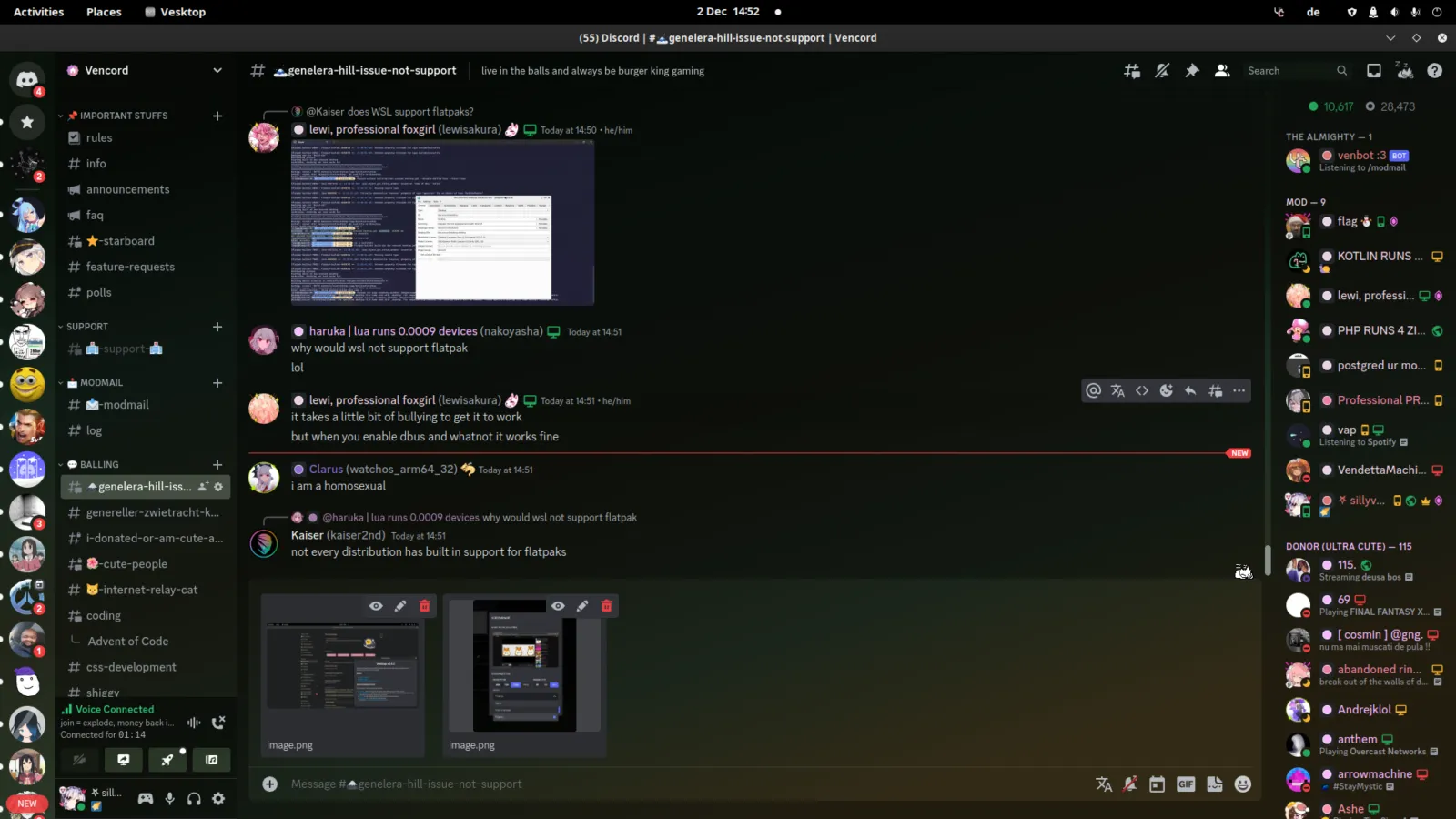
Vesktop is a third-party client for Discord, offering a lightweight and customizable experience while maintaining full functionality. This add-on allows users to access Discord directly from Batocera.
¶ 📥 Installation
Vesktop can be installed via Batocera Unofficial Add-Ons (BUA). To install:
- Open Batocera Unofficial Add-Ons from the Ports menu.
- Browse the available add-ons and locate Vesktop.
- Select Install and wait for the installation to complete.
- Once installed, Vesktop will be available in Ports and F1 Applications.
¶ 💬 How to Use
- Navigate to Ports or F1 Applications in Batocera.
- Locate Vesktop and launch it.
- Log in with your Discord account.
- Chat, voice call, and join Discord servers as you would on the official client.
¶ ⚙️ Configuration
- Custom Themes & Plugins: Enhance Discord’s interface and functionality.
- Performance Tweaks: Adjust settings for smooth operation on Batocera.
- Audio & Mic Settings: Configure voice input and output devices.
- Notification Preferences: Manage alerts for channels and direct messages.
¶ 🛠️ Troubleshooting
| Issue | Solution |
|---|---|
| Vesktop not launching | Re-run the installer, check the troubleshooting guide if the issue persists. |
| Audio issues | Ensure correct input/output settings are selected in Discord. |
| Login problems | Verify credentials and check Discord’s service status. |
| Performance lag | Disable unnecessary features or reduce hardware acceleration. |